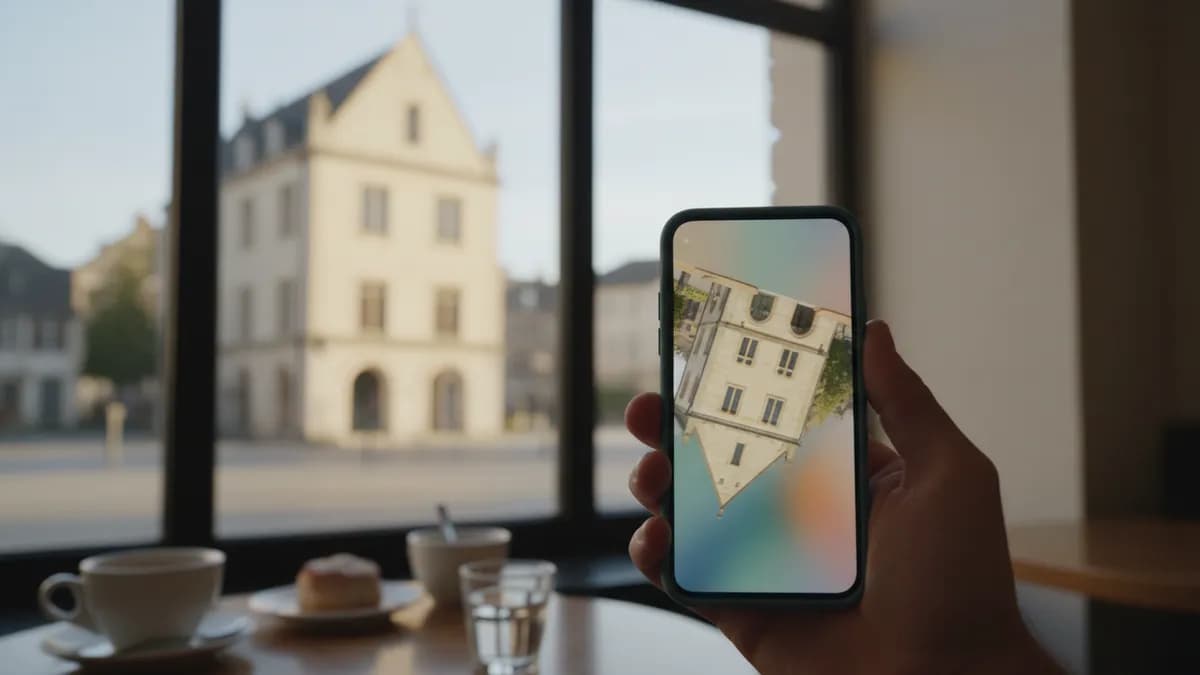
Unconfirmed: Samsung's Recompose AI Tool Could Let You Change a Photo's Angle After You Take It
Samsung appears to be working on a generative AI photo-editing tool called Recompose. It would let Galaxy phone users change the perspective of a still photo after it has been taken. The tool is unconfirmed: Samsung has not officially announced it. According to SamMobile, the feature can be made to work in the One UI 9.5 beta firmware, though regular users can't get it yet. Android Authority reports that it found matching code in One UI 9.5 Beta 1.
What Recompose does
Recompose lets you drag a finger across a photo to shift its viewpoint. SamMobile says it imitates what you could get from several cameras and 3D capture, but it does this with generative AI instead of a real 3D map. The tool also has a slider that makes the photo's field of view narrower or wider.
Based on text found in the app, Android Authority describes these controls:
- Drag with one finger to change the photo's perspective
- Use two fingers to pan, zoom and rotate the image
- A dolly-zoom slider pushes the background closer or farther away, like the camera trick used in films
- On supported devices, a switch in Photo Assist's Move tool flips between Move and Recompose, plus a reset button
Results are not perfect. SamMobile saw some distortion around a vehicle's wheel rim when it changed the perspective. It noted that redrawing curved ellipses at the correct perspective is one of the hardest tasks for generative AI.
How it appears to work
Android Authority says the code points to a two-stage process. First, the Photo Editor app asks a separate app called Spatial Core to turn the photo into a 3D scene with a depth map. It uses the photo's focal length and an outline of the main subject. The user then changes the angle in a 3D view. Finally, the original image and the new angle go to Samsung's cloud, which creates the finished photo.
Spatial Core is a 153MB Galaxy Store add-on. It is the same one that One UI 9.5's Live effect feature asks you to download. The app does not request internet access, so the 3D step seems designed to run on the phone itself. The generative fill step always goes to the cloud, though, and the code has no on-device option for it. That means Recompose will likely need an internet connection and a Samsung account.
A hidden internal setting offers two model options, NB2 and NB2.1. Android Authority believes these refer to Google's Nano Banana 2 and 2.1 image models.
Likely limits
- The shorter edge of a photo will likely need to be at least 500 pixels
- The aspect ratio must fall between 9:21 and 21:9
- Larger photos will likely be scaled down to 12MP before processing
Which phones may get it
SamMobile expects Recompose to arrive with One UI 9.5 and the Galaxy S27 series. It says Samsung may also bring it to the Galaxy S26 series near the end of the One UI 9.5 beta testing period.
Android Authority found that Recompose stayed hidden on its Galaxy S26 Ultra, even with Spatial Core installed. The S26 Ultra meets the feature's 3D photo requirement. However, Samsung has tied Recompose to a newer Galaxy AI version than that phone currently reports. It is not yet clear whether the S26 series will get that newer version or whether the feature will stay limited to newer devices.
A new model for the Style tool too
Photo Assist's Style tool, which turns photos into styles such as oil paintings, also sits behind the same Galaxy AI version requirement. The code lists four model versions: IMAGEN_2, IMAGEN_3, GEMPIX and a new GPT. On the S26 Ultra, the app requests GEMPIX, which matches a codename Google has used for its Nano Banana models. Devices with the newer Galaxy AI version switch to GPT.
Android Authority cautions that the phone only sends this label to Samsung's servers, and the servers decide which model actually runs. GPT could therefore just be an internal name. It does not necessarily mean an OpenAI model is involved, and neither Samsung nor OpenAI has announced an image model deal for Galaxy AI.
Sources: SamMobile, Android Authority
This is our own independent analysis and the author's view. Before buying any product, check its specifications, price, warranty and quality yourself. We do not guarantee that the information on this page is 100% accurate or up to date. Read more

Written by


