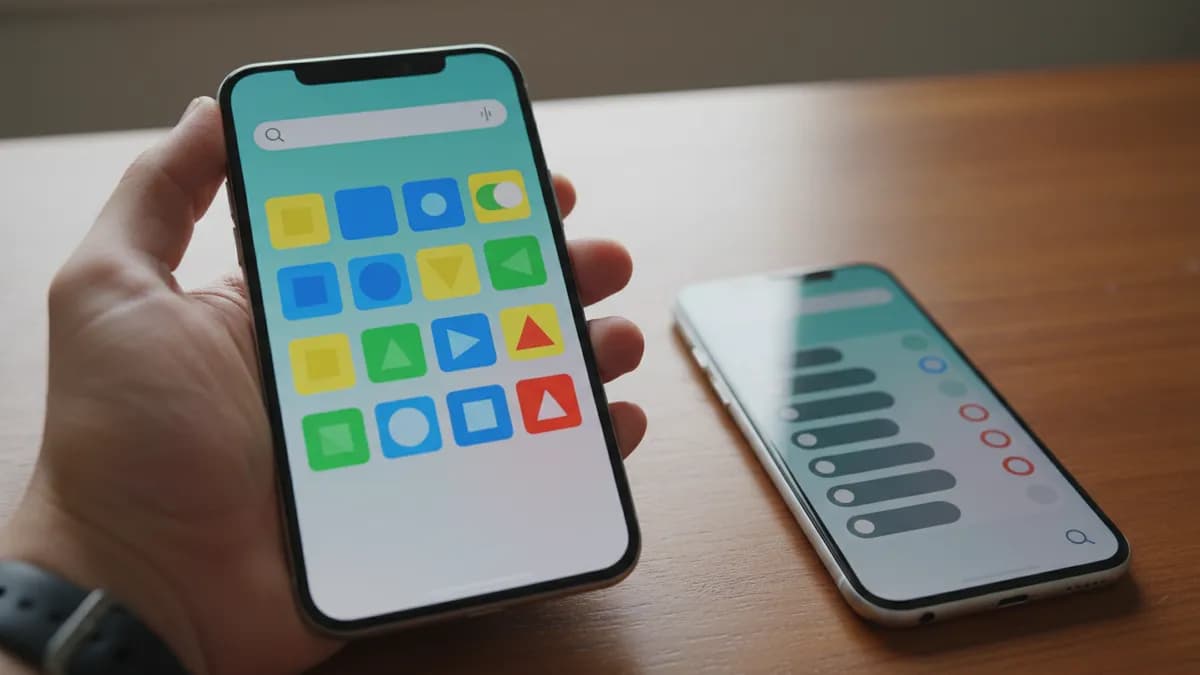
Samsung One UI 9.5 Beta Adds Search to Quick Panel Editing
Samsung's One UI 9.5 beta brings a small but handy change to the Quick Panel: a search field that helps you find a specific control instead of scrolling through the full list. The feature is described in the update's changelog, according to Android Authority and SamMobile.
How the search works
When you are editing the Quick Panel, a pill-shaped search bar appears at the bottom of the screen. You can look up controls by app name or by control name, and the results show the toggles that match. SamMobile gives the example of searching for Wi-Fi, which brings up Wi-Fi, Wi-Fi Calling, Secure Wi-Fi and Mobile Hotspot controls together.
The changelog wording, as reported, says the search lets you find the controls you want quickly without going through the entire list. That matters because One UI and earlier versions pack a long list of quick panel controls, which can make hunting for one option tedious.
Other changes in the beta
The Quick Panel search is one of several additions in One UI 9.5. The sources also mention app lock and a Mindful Note tool, customizable controls and presets for the pro camera modes, live effects for the lock screen wallpaper, a more versatile Privacy Display, and improved hearing aid controls.
SamMobile reports that the first One UI 9.5 beta is available for the Galaxy S26 series in select countries. The same report notes that Samsung appears to have started work on One UI 10, which is expected to be based on Android 17.
Sources: Android Authority, SamMobile
This is our own independent analysis and the author's view. Before buying any product, check its specifications, price, warranty and quality yourself. We do not guarantee that the information on this page is 100% accurate or up to date. Read more

Written by


