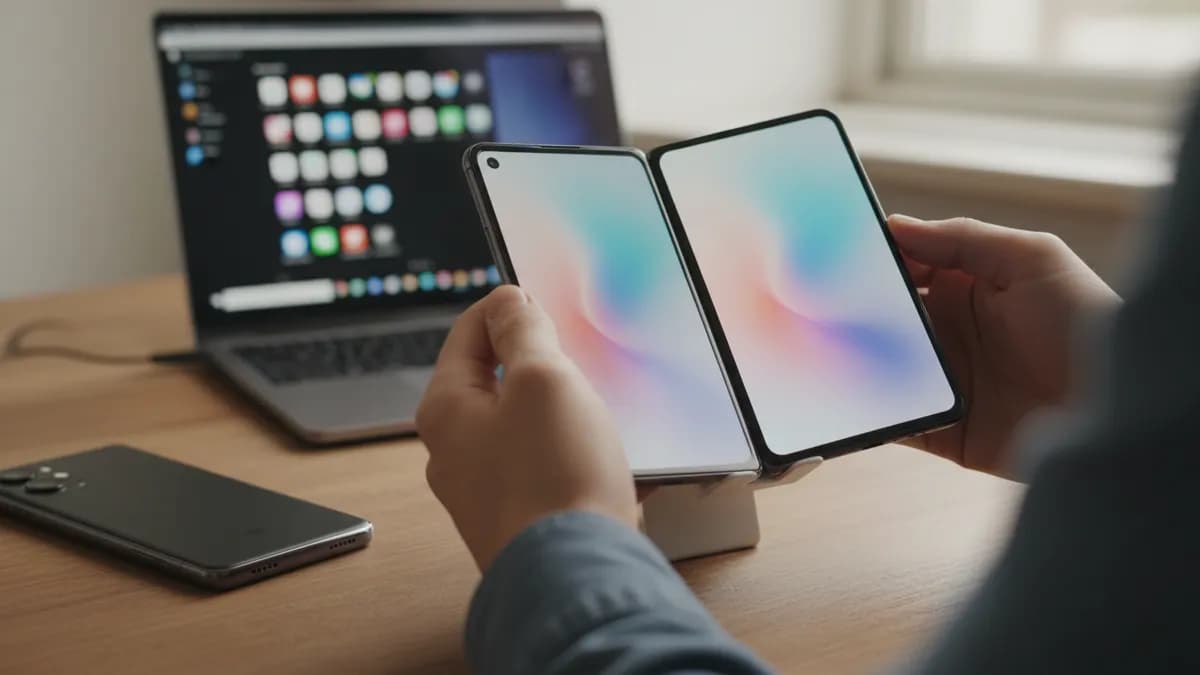
Apple Store App Finally Gets iPhone Duo Optimization
Apple has updated its Apple Store app so it now works properly on the iPhone Duo, according to 9to5Mac and MacRumors. The app takes advantage of both the inner and outer displays of the device in all orientations.
The change closes a gap that stood out after Apple said more than 200,000 apps are now optimized for the iPhone Duo. Optimized apps fill the full width of the phone's inner and outer screens and place vertical controls in the status bar. The Apple Store app had been a notable exception until this update.
What else changed in the app
Alongside the display support, the update brings a unified tab bar at the bottom of the app and a slightly different icon, as spotted by Everything-Apple.
The release lands as the holiday shopping season approaches, and 9to5Mac notes that Apple will likely announce its Black Friday promotion in the coming days.
Developer support doubles
The 200,000 figure came from Apple's senior vice president of Worldwide Marketing, Greg Joswiak, who said on X that the number of optimized apps had doubled in just over a week. Apple had announced it passed 100,000 optimized apps ten days earlier.
Joswiak said he was excited by how quickly developers had embraced the device and that he could not wait to see what they build next.
Limited app availability had been a major talking point in early reviews and online commentary after the iPhone Duo launched. Some reviewers had to rewrite or re-record parts of their coverage as more apps gained support.
Software fixes on the way
The app update arrived on the same day Apple released the second developer beta of iOS 27.3, which addresses two other common complaints from early reviews. The beta adds an unlock option that uses the outer display's camera to recognize the user's face, and a setting that automatically locks the device when it is folded shut. Previously, closing the phone did not lock it, so users had to press the side button.

Written by


