
Android 12, officially launched in October 2021 alongside the Pixel 6 series, was one of Google’s most transformative Android updates in years. It introduced a massive design overhaul, Material You personalization, enhanced privacy features, and under-the-hood improvements that still impact smartphones today. Even in 2026, Android 12 remains highly relevant, especially in Bangladesh, where many budget and mid-range devices have not upgraded to Android 13 or higher.
According to Google I/O 2021, Android 12 was designed to blend beauty with utility, giving users control over personalization, privacy, and system efficiency. This update laid the foundation for Android 13, Android 14, and Android 15, introducing features that continue to provide value on devices widely used in Bangladesh.
Table of Contents: Android 12
-
Introduction
-
Material You: The Most Important Android 12 Feature
-
Redesigned Quick Settings and System UI
-
Widgets: Bigger, Smarter, and Personalized
-
Notifications and System Animations
-
Key Features Introduced in Android 12
-
Under-the-Hood Enhancements
-
Privacy and Security Features
-
Android 12 Device Compatibility in Bangladesh
-
Android 12 vs Android 13, 14, and 15
-
Final Verdict
-
FAQs About Android 12 for Bangladesh
The Most Important Android 12 Feature
Android 12 introduced Material You, a design language that emphasizes personalization and adaptability. Unlike previous versions, it extracts colors from your wallpaper and applies them across the Settings app, Quick Settings tiles, widgets, and supported apps, creating a cohesive, unique user interface.
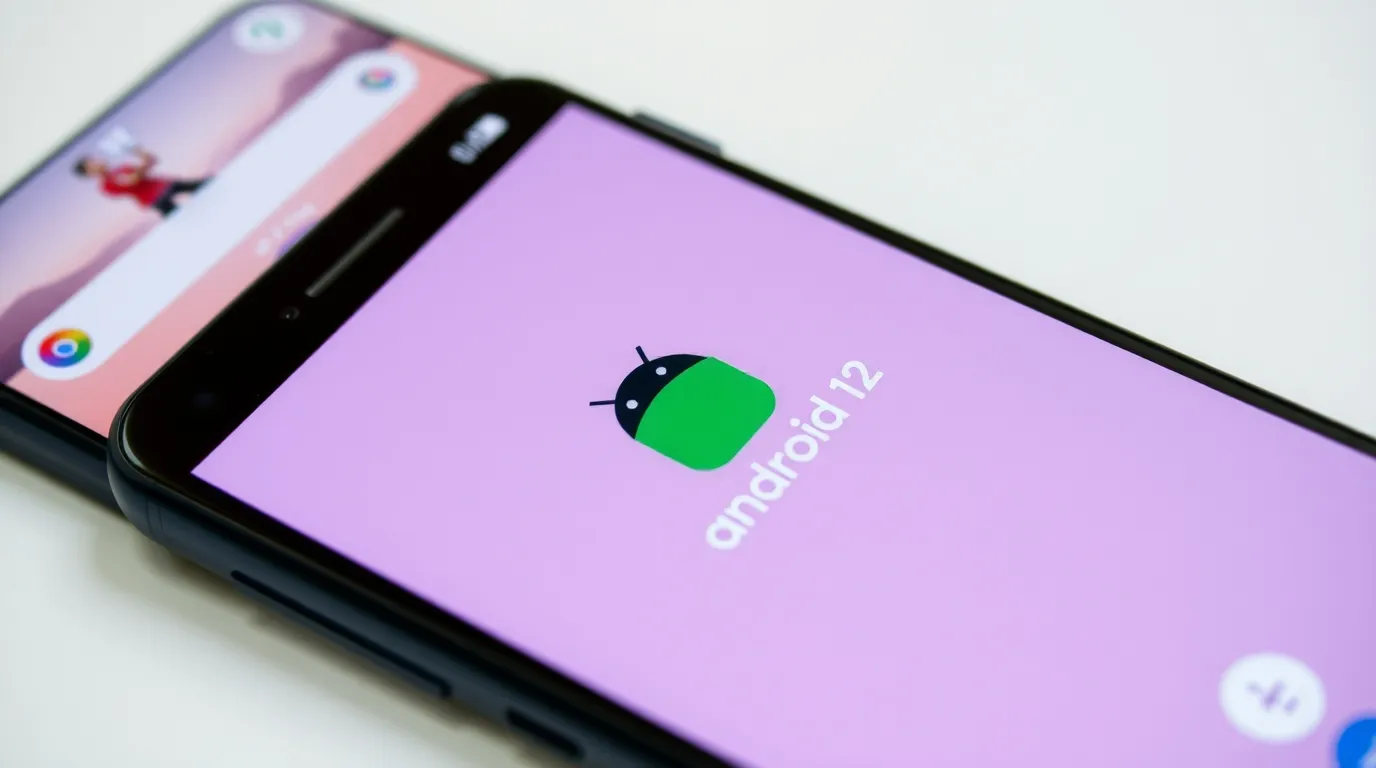
Google Developers highlighted Material You as a breakthrough in user-centered design, allowing users to visually customize their devices without relying on third-party themes. For Bangladesh users, this means better readability, modern aesthetics, and a consistent experience on mid-range smartphones.
Material You also allows manual customization, enabling users to override color extraction if desired. This combination of automation and user control ensures that the OS is both dynamic and practical.
Dynamic Color Extraction
One of the most celebrated features of Material You is dynamic color extraction. Android 12 analyzes your wallpaper, identifies dominant colors, and applies them throughout the system. This includes menus, buttons, notifications, and even widgets. Google I/O 2021 emphasized this as a major step toward fully personalized experiences.
For users in Bangladesh, dynamic color provides an attractive, cohesive look while maintaining clarity on devices with smaller screens or limited hardware. Even if users prefer a specific color scheme, the system allows manual adjustments for complete control.
Redesigned Quick Settings and System UI
Android 12 completely redesigned the Quick Settings, replacing small toggles with larger, rounded rectangular buttons. These tiles are more readable and easier to tap, improving usability on taller or larger phones common in Bangladesh.
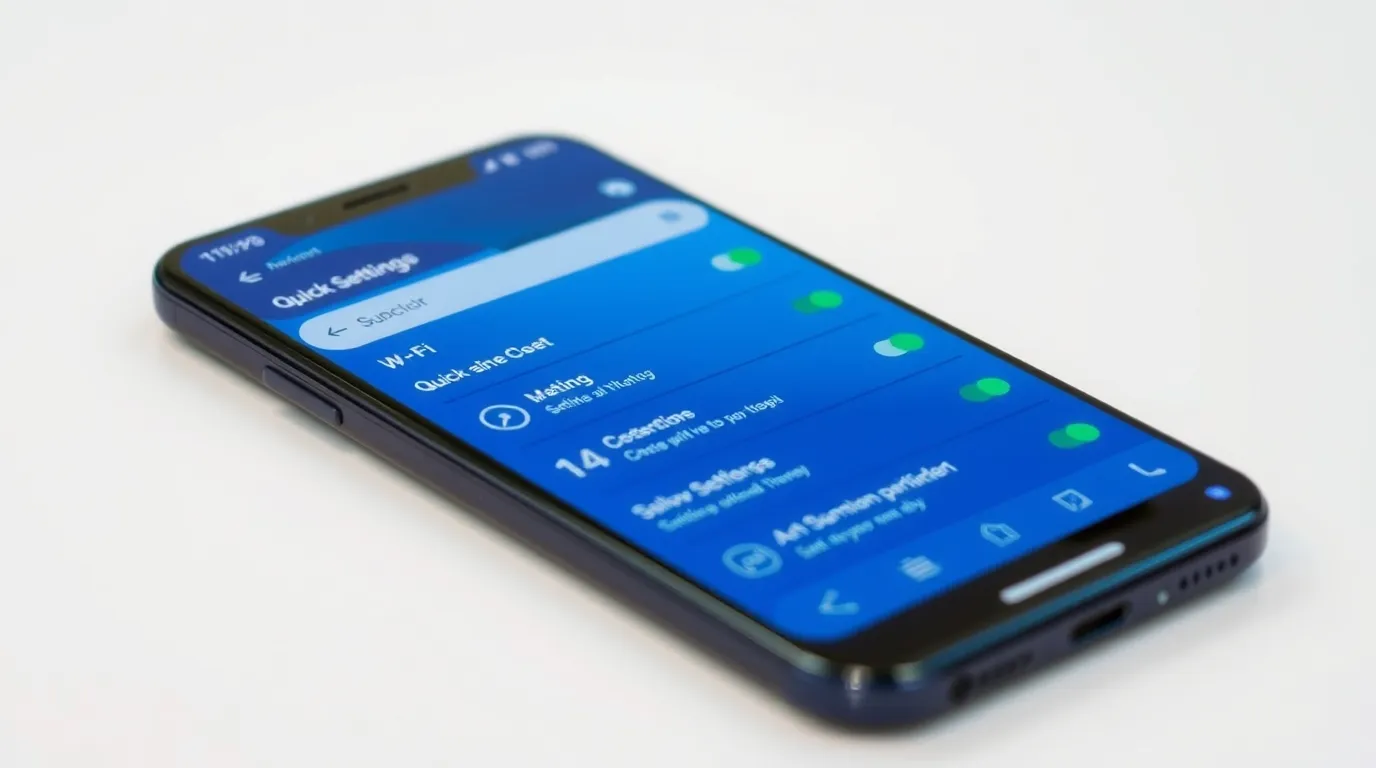
New Quick Settings tiles include camera and microphone access, Google Pay, Internet/Wi-Fi information, smart home controls, and other frequently used features. According to Android Developers, these improvements focus on clarity, accessibility, and speed.
This redesign also benefits users who frequently interact with notifications and system settings, allowing faster access without navigating deep menus.
Settings App Enhancements
Android 12 introduced the Silky Home redesign for the Settings app, with larger headers and better spacing for easier navigation. A new Safety & Emergency section allows users to quickly set up emergency contacts, medical information, and SOS alerts.
This feature is particularly valuable in Bangladesh, where quick access to safety information can make a real difference in emergencies. Google I/O 2021 confirmed these updates were aimed at improving accessibility and real-world usability.
Widgets: Bigger, Smarter, and Personalized
Android 12 brought the biggest widget overhaul since Android Honeycomb. Widgets now support Material You theming, making them visually consistent with the system. Developers gained new APIs to enhance widget performance, interactivity, and responsiveness.
For Bangladesh users, widgets like weather, calendar, reminders, or news are more useful than ever, providing at-a-glance information without opening apps. The redesigned widget picker allows smoother scrolling, previews, and faster selection.
Notifications and System Animations
Notifications in Android 12 received subtle design changes, smoother animations, and performance improvements. App launches from notifications are faster, and the Always-On Display adapts based on notifications received.
These enhancements make the system feel fluid and responsive, which is important for Bangladeshi users who rely on messaging apps, social media, and educational apps throughout the day. Android Developers noted that these small adjustments improve overall user experience without adding resource overhead.
Key Features Introduced in Android 12
Scrolling Screenshots
Android 12 offers native scrolling screenshots, allowing users to capture entire web pages or chat threads. After taking a screenshot, the “Capture More” button enables users to scroll and crop as needed. This is especially practical for students, professionals, and social media users in Bangladesh, eliminating the need for third-party apps and saving storage space.
AppSearch: Search Inside Apps
AppSearch allows users to search for content inside apps, even offline. You can find notes, messages, or media without opening multiple apps. Google Developers highlighted AppSearch as faster and more resource-efficient than traditional device search.
For Bangladesh users relying on educational apps, productivity tools, or social media, this feature makes locating information quick and convenient.
Improved Auto-Rotate Using Face Detection
Android 12 introduced smarter auto-rotate using the front-facing camera. The screen rotates only when necessary, preventing accidental rotations while lying down or multitasking. This is especially useful in Bangladesh, where users often read or watch videos on the bed or during travel, improving comfort and usability.
Easier Wi-Fi Sharing
Wi-Fi sharing was simplified with Nearby Share. Instead of using QR codes, you can share Wi-Fi credentials directly with nearby devices. This feature is convenient for households, offices, and schools in Bangladesh, allowing multiple devices to connect quickly and reducing repeated manual entry.
One-Handed Mode and Rich Content Insertion
Android 12 introduced a native one-handed mode to shrink the interface for easier reach. The Rich Content Insertion API allows images, videos, and formatted text to be shared across apps without extra steps. These improvements benefit Bangladeshi content creators, students, and professionals, making multitasking faster and more efficient.
Media Player Audio Switching
The Quick Settings media player allows seamless audio switching between connected devices like Bluetooth speakers, earbuds, and the phone’s speaker.
This feature enhances convenience for Bangladeshi users who frequently switch between devices while listening to music or attending online meetings.
Under-the-Hood Enhancements
App Hibernation
Android 12 automatically hibernates unused apps, revoking permissions and stopping background activity. This improves battery life and system efficiency, especially important on devices with limited RAM and storage common in Bangladesh.
Game Mode APIs
The Game Mode APIs allow apps to adjust performance and battery usage dynamically. Gamers can choose balanced, high-performance, or battery-saving modes. This innovation paved the way for advanced gaming experiences in later Android versions, making Android 12 a solid choice for casual gaming.
Media and Display Optimizations
Android 12 added AVIF image support, HEVC-to-AVC transcoding, multi-channel audio, and better foldable/tablet support. It also introduced universal splash screens to ensure consistent app launch experiences. These updates make the system compatible with modern multimedia apps and improve performance on a wide variety of devices used in Bangladesh.
Privacy and Security Features
Privacy Dashboard
The Privacy Dashboard shows detailed timelines of app permissions, including camera, microphone, and location usage. Users can revoke permissions directly from the dashboard. Google I/O 2021 described this as a major step toward transparency.
Camera and Microphone Indicators
Android 12 shows visual indicators whenever the camera or microphone is active. Quick Settings toggles allow users to disable these features entirely, increasing privacy.
Approximate Location
Apps can request approximate location instead of precise GPS, protecting user privacy while still allowing location-based services like weather apps.
Additional Security Enhancements
Android 12 limits access to device identifiers, restricts background sensor usage, and includes Android Compute Core for on-device secure processing. According to the Google Security Blog, these measures prevent unauthorized access and improve overall device safety.
Android 12 Device Compatibility in Bangladesh
Popular Android 12 devices in Bangladesh include:
-
Samsung: Galaxy A12, Galaxy A21s, Galaxy A32, Galaxy M21, Galaxy M32
-
Xiaomi / Redmi: Xiaomi Redmi Note 10, Note 10S, 9T, Poco M3
-
Realme: Realme 8, Realme Narzo 30, Realme C35
-
Infinix / Tecno: Note 11, Spark series
These devices cover the majority of the budget and mid-range market segments, ensuring Android 12’s continued relevance in the country.
Android 12 vs Android 13, 14, and 15
Here’s how Android 12 compares to newer versions like Android 13, 14, and 15 in terms of features, performance, and privacy, helping Bangladeshi users decide if an upgrade is necessary.
|
Features |
Android 12 |
Android 13 |
Android 14 / 15 |
|
Material You |
Introduced |
Enhanced |
Refined |
|
Privacy Dashboard |
Yes |
Improved |
Advanced |
|
Battery & Performance |
Good |
Better |
Best |
|
Security Updates |
Limited |
Active |
Active |
|
AI Features |
Basic |
Enhanced |
Advanced |
|
Best For |
Budget/Mid |
Mid/High |
Latest devices |
For Bangladeshi users on mid-range phones, Android 12 is still highly practical, offering privacy, performance, and usability without unnecessary complexity.
Final Verdict
Android 12 was more than a visual update; it reshaped Android’s design, privacy, and performance standards. Even in 2026, it remains stable, functional, and relevant. With features like Material You, widgets, AppSearch, privacy controls, and battery optimizations, Android 12 continues to deliver value for everyday users in Bangladesh.
FAQs About Android 12 for Bangladesh
1. What are the main features of Android 12?
Material You design, dynamic theming, widgets, Privacy Dashboard, AppSearch, scrolling screenshots, and one-handed mode.
2. Is Android 12 safe to use in 2026?
Yes, it’s stable and secure, with privacy tools like camera/microphone indicators and app hibernation.
3. Does Android 12 support gaming and multimedia?
Yes, with Game Mode APIs, AVIF support, multi-channel audio, and Quick Settings media controls.
4. Is Android 12 better than Android 13 or 14?
Android 12 is still practical for mid-range devices, though newer versions have better AI and security.


